
Frequently Asked Questions
What are the advantages of a custom PC over a pre-configured system?
The primary advantage of a custom PC is the flexibility it offers. While our pre-configured systems provide a quick and convenient way to get a system designed by us, a custom build allows you to select specific components tailored to your exact preferences and performance needs, providing greater control over the quality and specifications of your system.
How long will my order take to process?
We strive to have your custom PC built and shipped within 5-7 Business days of receiving your order. However, processing times may vary depending on current demand and availability of parts. We will notify you of any delays or changes to the estimated timeline.
What should I do if my PC is defective or damaged upon arrival?
If you notice any damage or defects when unboxing your PC, please contact us immediately. We will assist you with the return process if necessary. Please retain the original packaging, as it may be required for returns or shipping.
What kind of support do you offer after the PC is built?
We offer comprehensive post-purchase support for all our systems. If you experience any issues, please reach out to our customer support team via email, and we will be happy to assist you with troubleshooting or any other concerns you may have!
Can I upgrade my system in the future?
Yes, our systems are designed with future upgrades in mind. You can easily upgrade components such as RAM, storage, and graphics cards with compatible parts available on the market.
Can you help me choose the right components for my build?
Absolutely! If our pre-configured systems do not meet your specific needs, you can use our custom config tool to build a system tailored to your requirements. If you need more help building your dream custom PC please don’t hesitate to reach out to us, we are happy to help!
Will my PC be pre-installed with an operating system?
Yes, if you have purchased Windows, we will pre-install and configure it for you. This ensures that your system is ready to use as soon as you power it on.
The primary advantage of a custom PC is the flexibility it offers. While our pre-configured systems provide a quick and convenient way to get a system designed by us, a custom build allows you to select specific components tailored to your exact preferences and performance needs, providing greater control over the quality and specifications of your system.
We strive to have your custom PC built and shipped within 5-7 Business days of receiving your order. However, processing times may vary depending on current demand and availability of parts. We will notify you of any delays or changes to the estimated timeline.
If you notice any damage or defects when unboxing your PC, please contact us immediately. We will assist you with the return process if necessary. Please retain the original packaging, as it may be required for returns or shipping.
We offer comprehensive post-purchase support for all our systems. If you experience any issues, please reach out to our customer support team via email, and we will be happy to assist you with troubleshooting or any other concerns you may have!
Yes, our systems are designed with future upgrades in mind. You can easily upgrade components such as RAM, storage, and graphics cards with compatible parts available on the market.
Absolutely! If our pre-configured systems do not meet your specific needs, you can use our custom config tool to build a system tailored to your requirements. If you need more help building your dream custom PC please don’t hesitate to reach out to us, we are happy to help!
Yes, if you have purchased Windows, we will pre-install and configure it for you. This ensures that your system is ready to use as soon as you power it on.
Unbox Your PC
Congratulations on receiving your new system! Carefully unbox your PC and ensure all The correct parts are present. Make sure to keep the packaging materials as they may be required for future returns or shipping.
Inspect the System
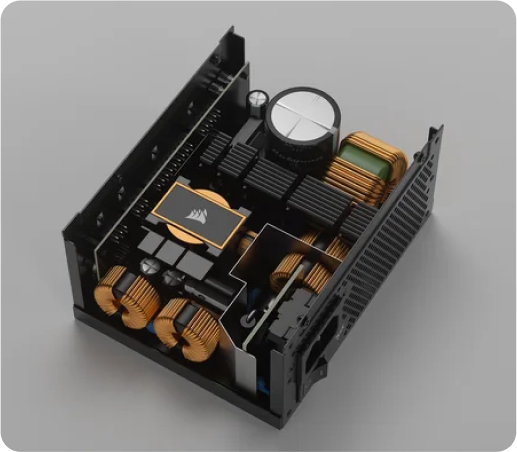
Before proceeding, carefully look at your PC for any visible damage or defects. Should you find any issues, please contact support immediately. Note: Keep the original box, as it is necessary for any potential returns or exchanges.
Remove Internal Packaging
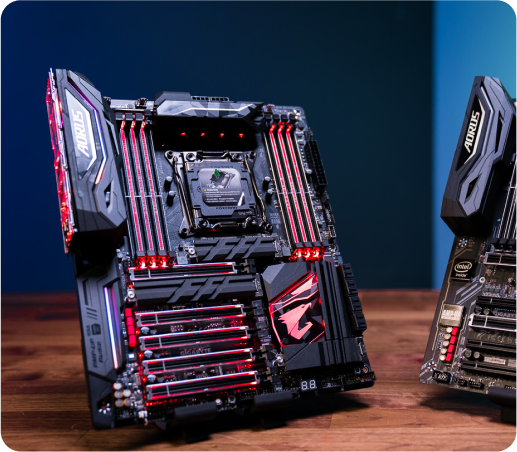
Your system is securely packed with internal foam and cushioning. Be sure to remove all packaging inside before powering up your system. Keep this foam packaging in case the PC needs to be returned for any reason
Connect External Peripherals
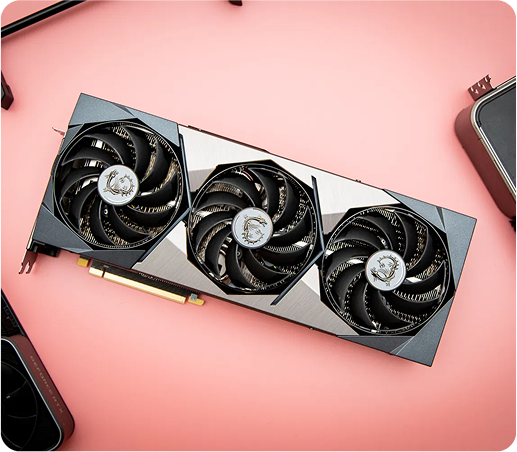
Ensure all peripherals (monitor, keyboard, mouse, etc.) are connected to the correct ports on the rear I/O. The exact configuration will vary depending on your system setup, but you can to check our basic cable connections diagram to confirm where cables should be plugged in on your PC (Include basic diagram here for clarity.)
Power On and Enjoy
Once all connections are made, power on your system and enjoy your new setup! Your system is now ready to use, whether it be for gaming or being productive in the office.